Inside ReadyPack
ReadyPack screenshots
Here’s what ReadyPack looks like. Check what’s in your go bag, what’s missing, and how ready you are.
 View image
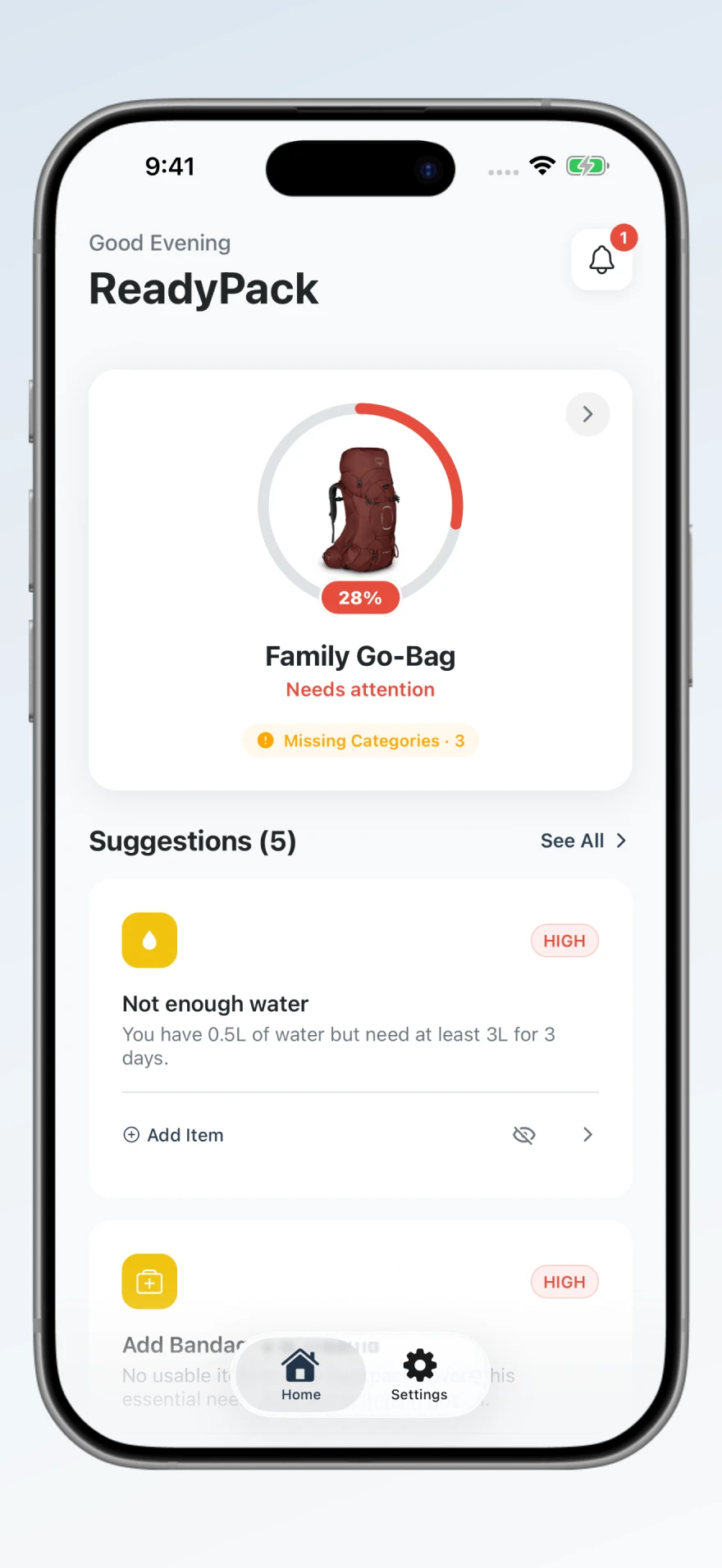
See your readiness score and the categories that still need supplies. The home screen brings the next few things to pack into view.
 View image
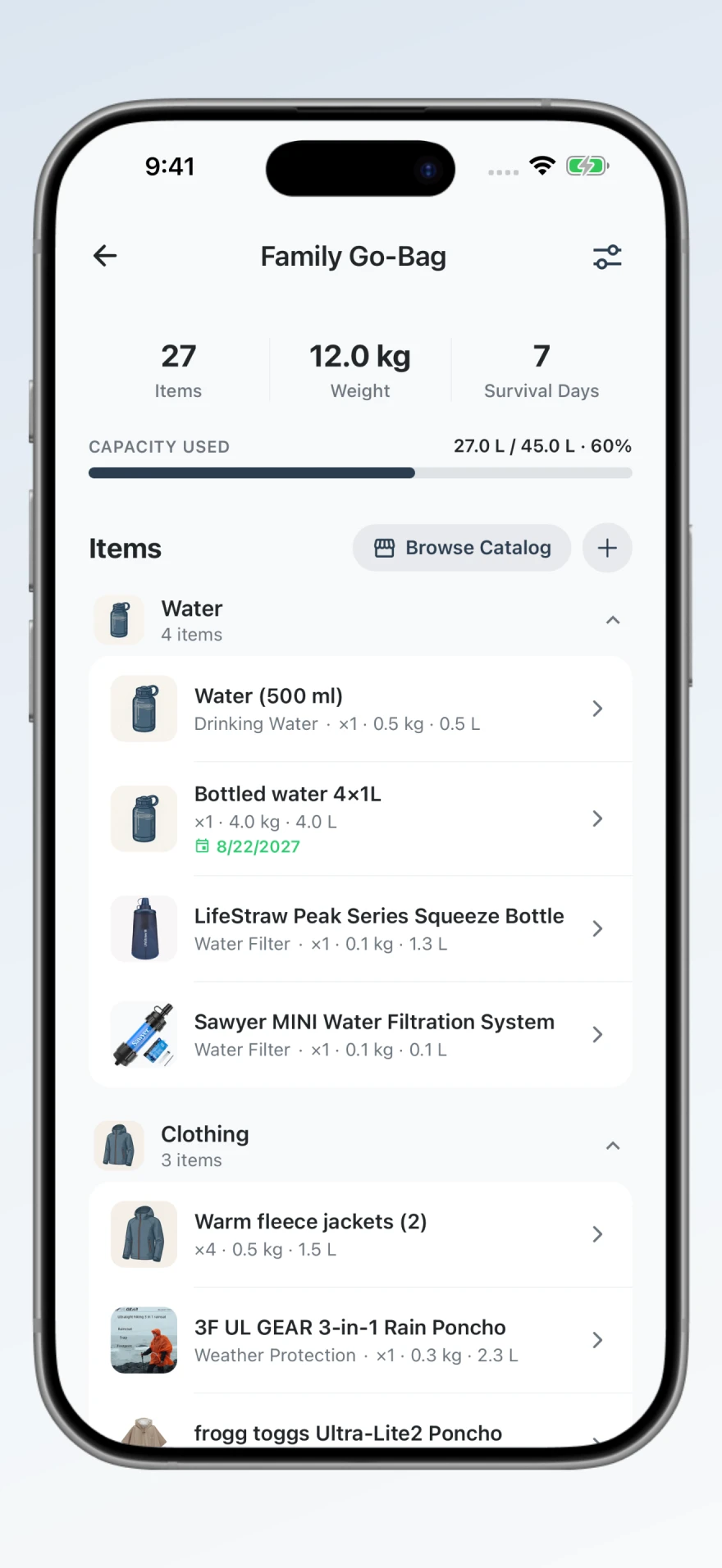
See what’s already in your bag, grouped by category. Check quantities, weight, volume, and expiry dates as you work through your supplies.
 View image
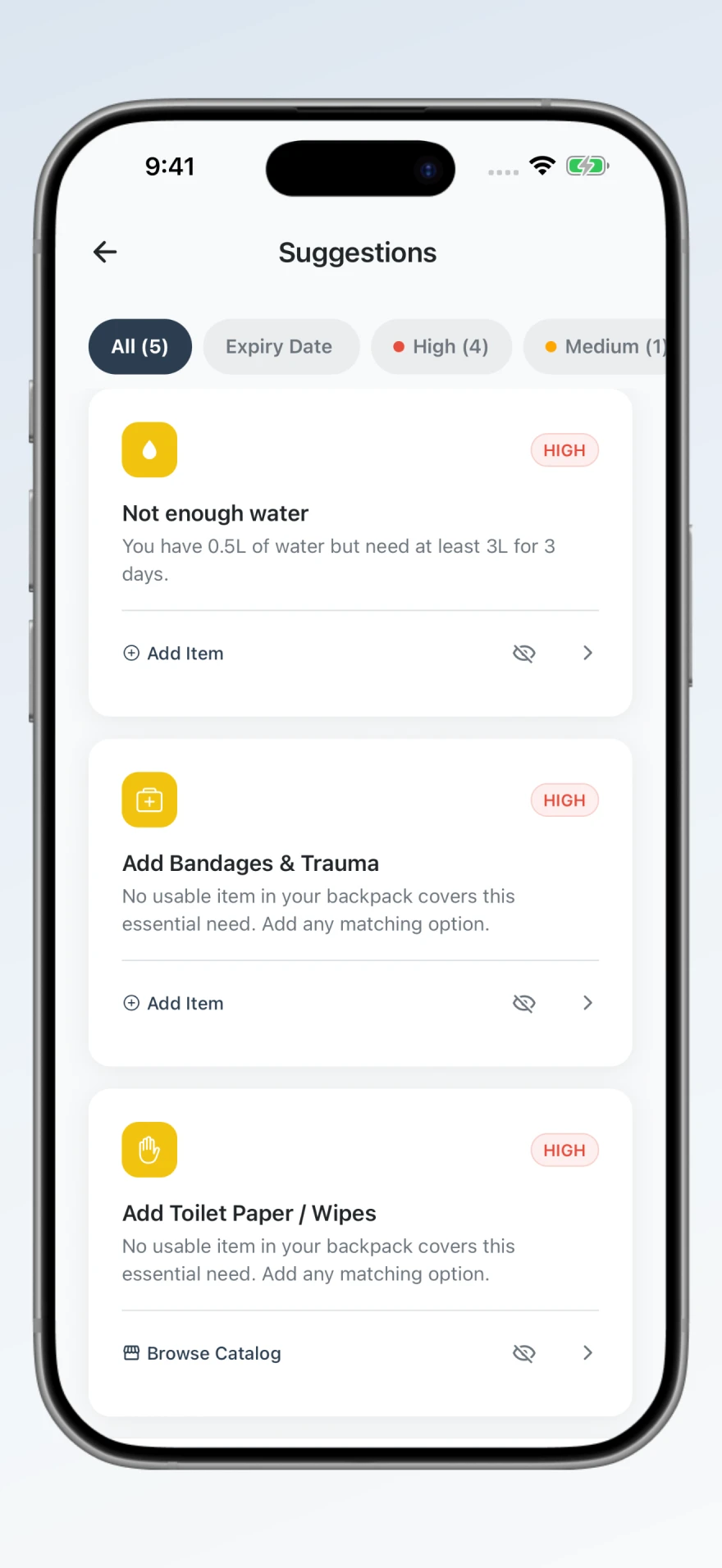
Find gaps in your packing list, such as missing water or first-aid supplies, and choose what to add next.
 View image
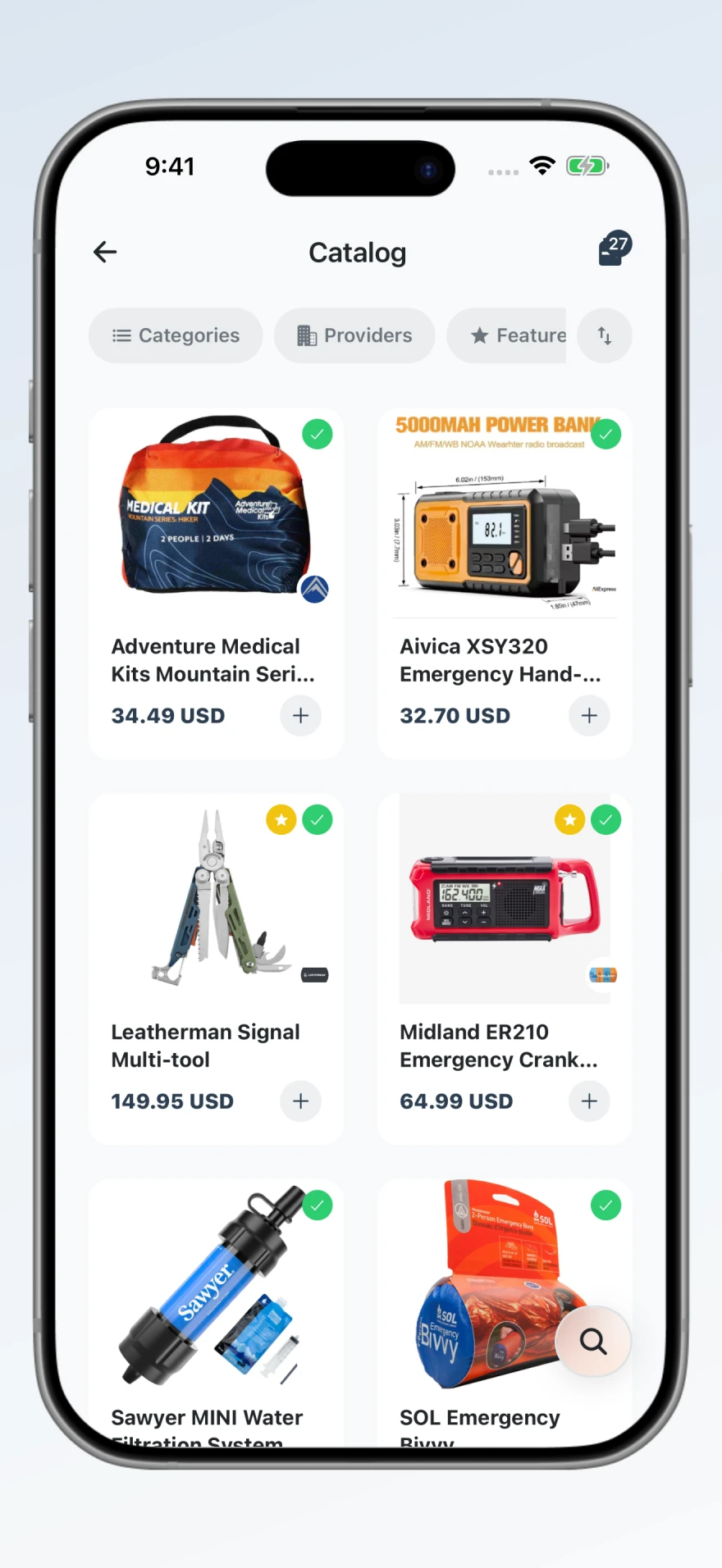
Browse items for your go bag, from food and water to tools and first aid. Open an item to check its details before adding it.
 View image
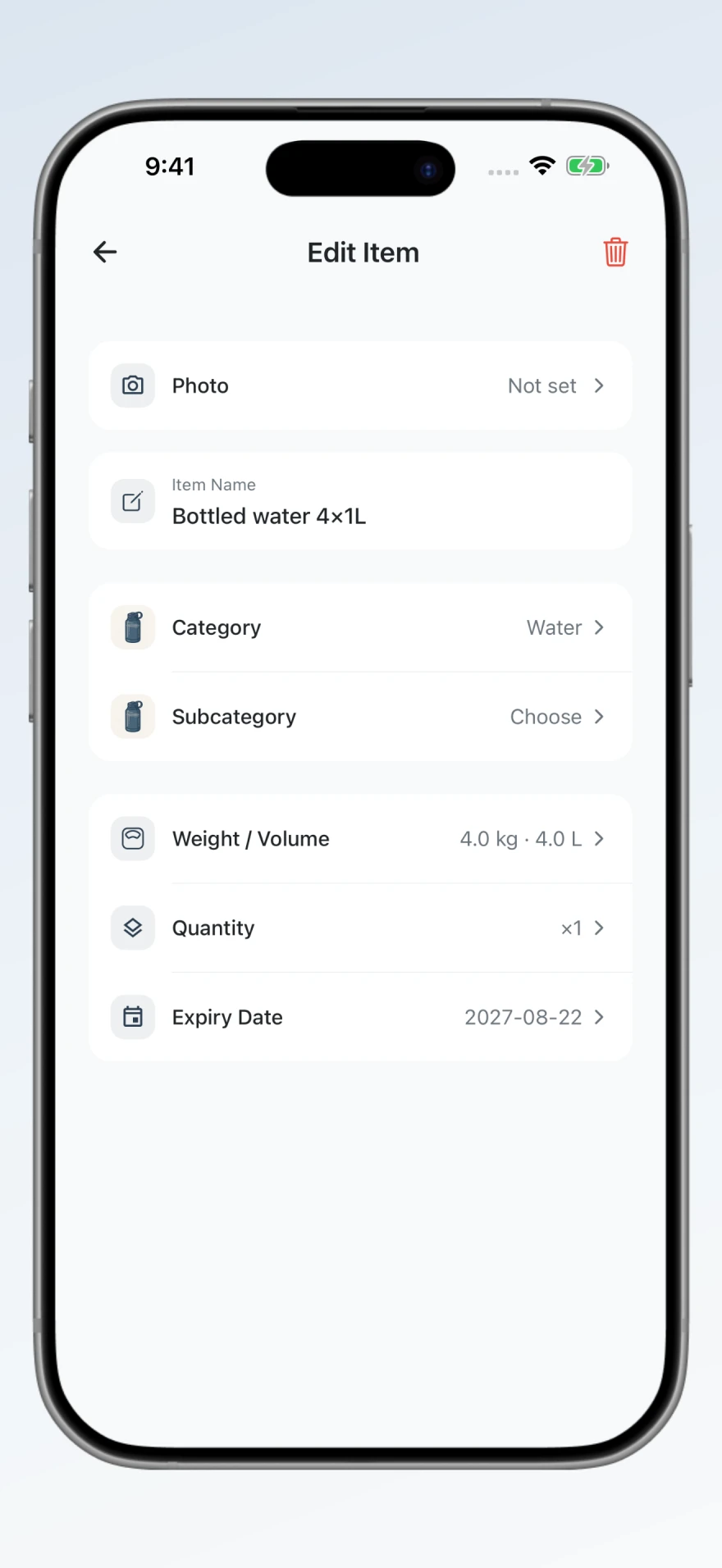
Update an item’s quantity, weight, volume, or expiry date. Use the details from the supplies you own to keep your list accurate.
 View image
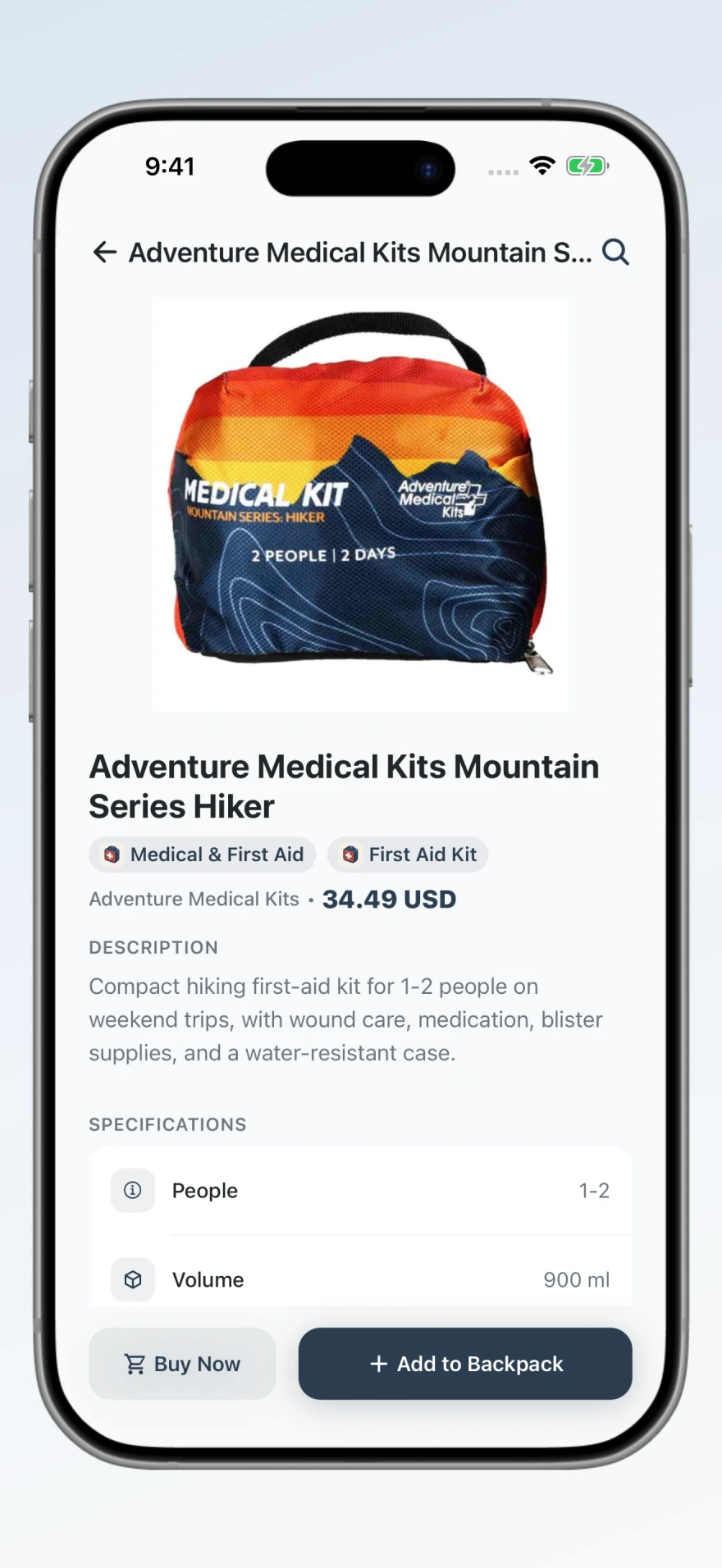
Check an item’s description and specifications before you put it on your list. This view shows the details for a first-aid kit.
 View image
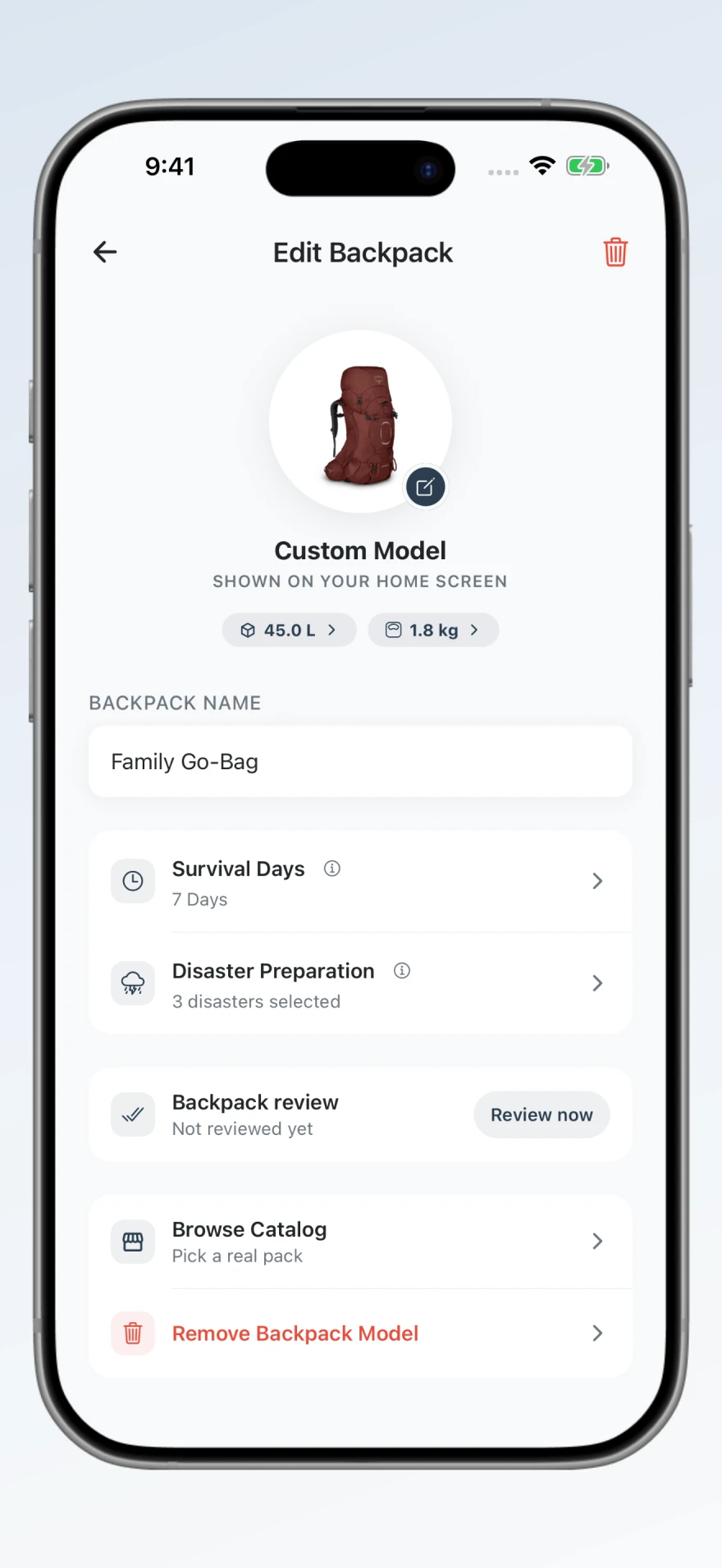
Set your bag’s capacity, weight, and the number of days you’re packing for. Choose the emergencies you want to prepare for.
 View image
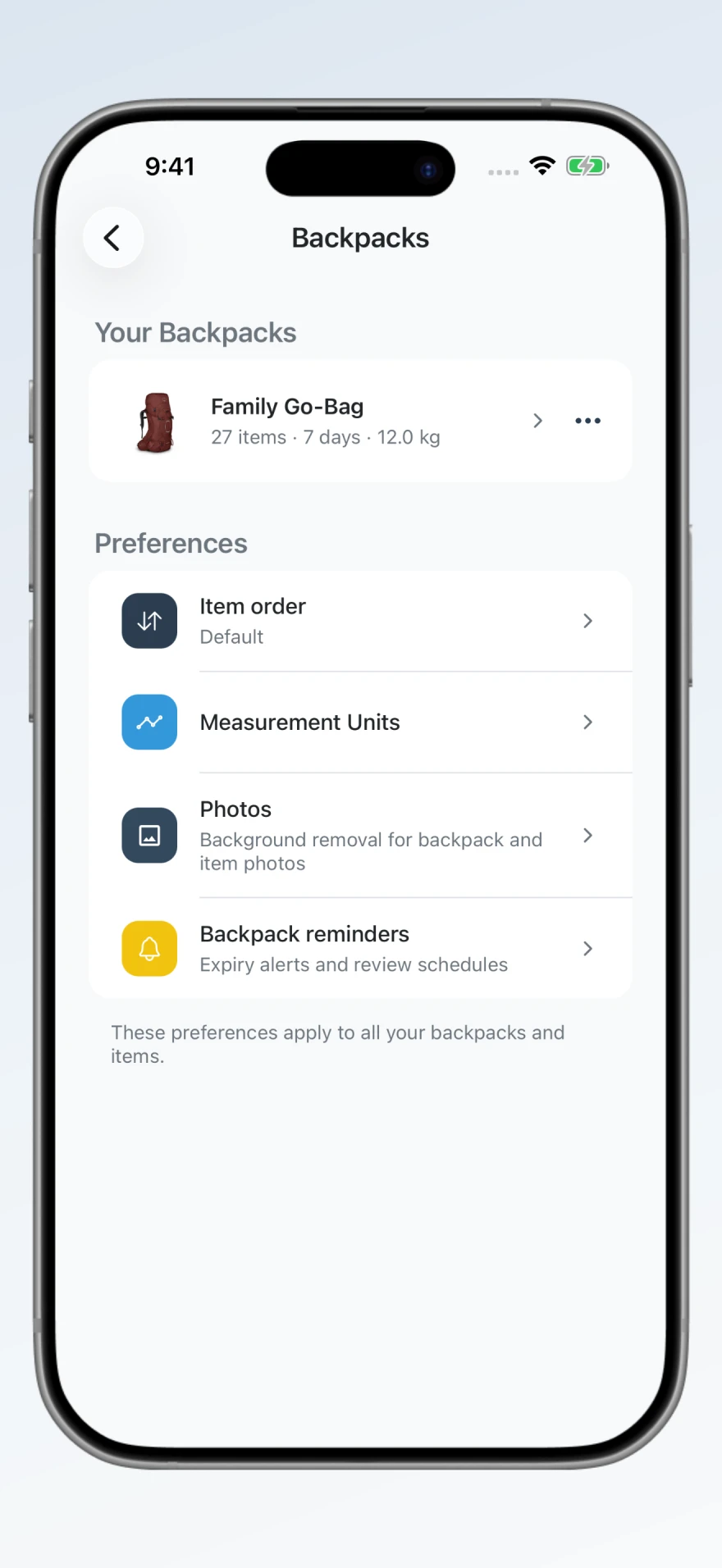
Choose measurement units, item order, and reminders for your bag. You can also change how item photos appear in the inventory.
 View image
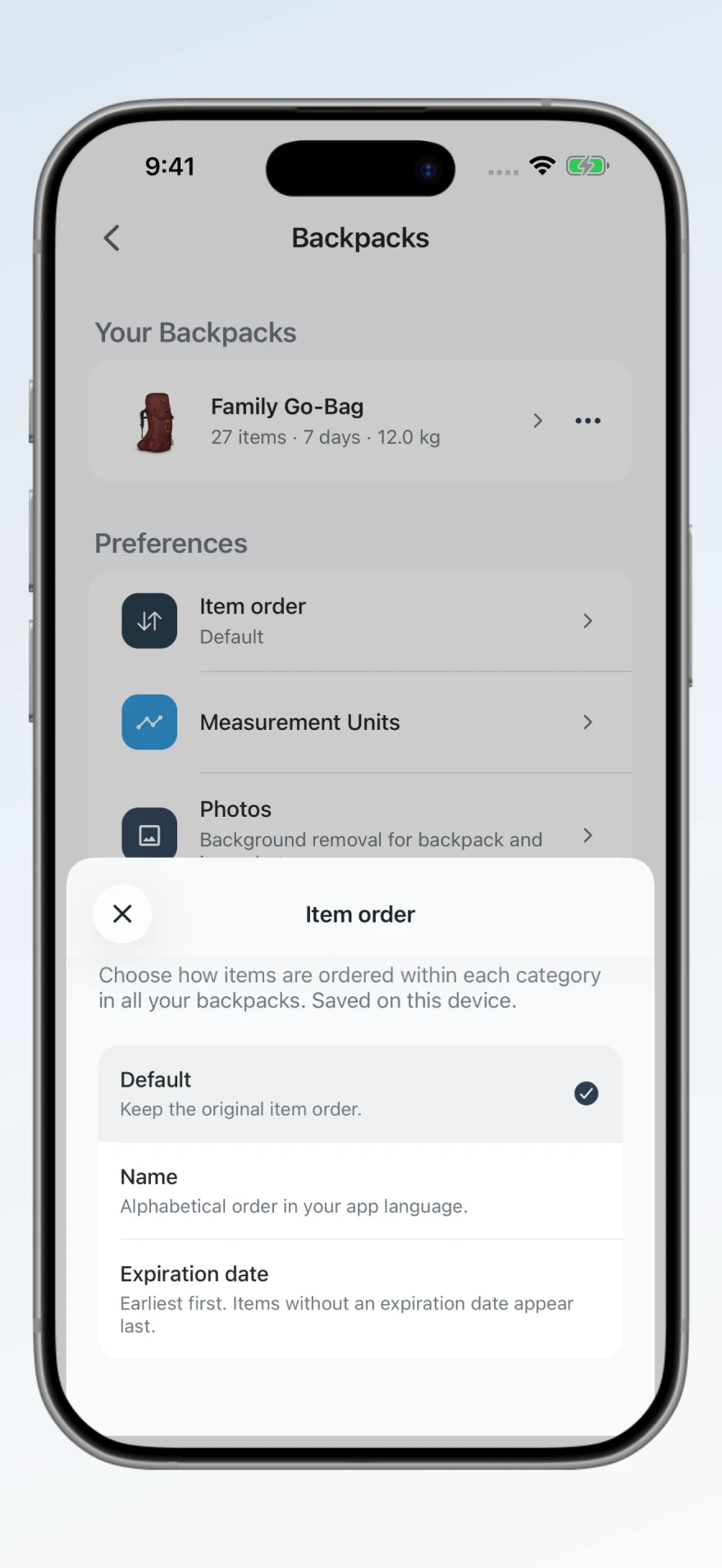
Change how your supplies are sorted. Keep the default order, find items by name, or sort by expiry date for your next review.
Captured from the ReadyPack app
Screenshots show the app in English